Learn
A new idea in a few short steps, each one checked as you go.
Scholarch
We make learning apps that teach in small interactive steps, guide you with a tutor that asks before it tells, and help you remember what you learn.
To contribute to humanity’s education with the latest AI‑enabled tools and information.
 Scholarch Education
Interactive lessons, a tutor that guides you to the answer, flashcards that remember for you and notes in your own hand. For learners aged 13 and over.
Lessons
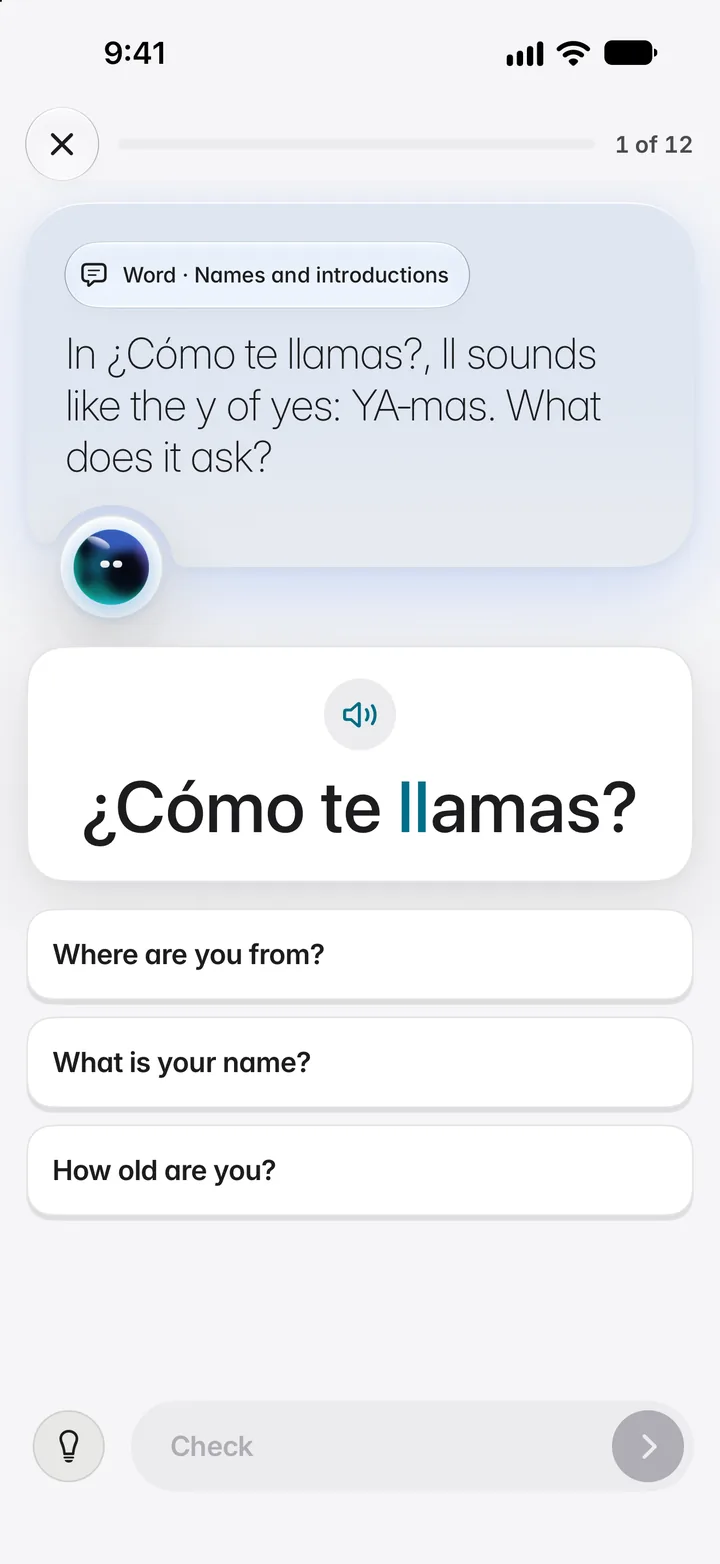
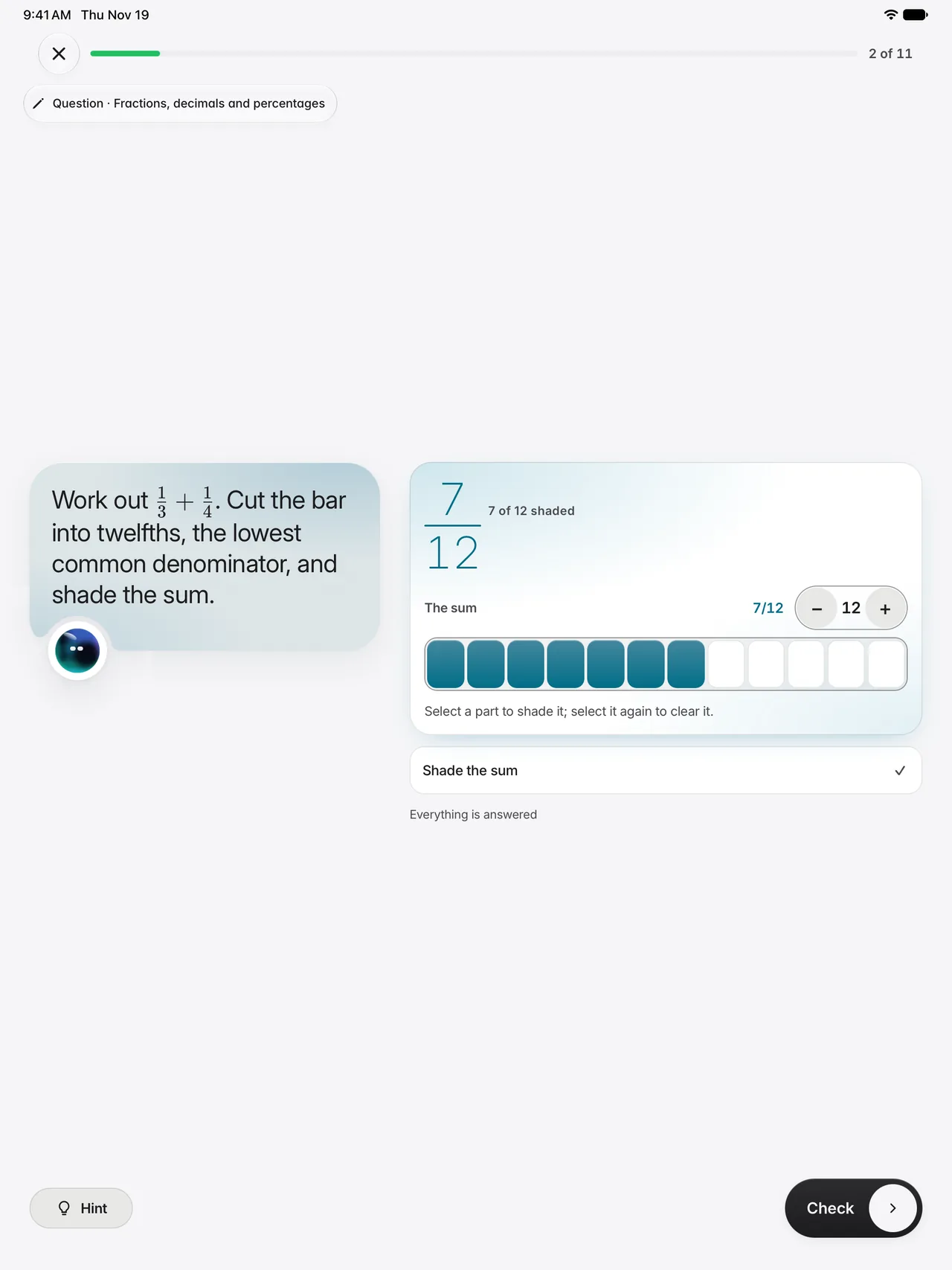
A lesson is a run of micro-steps, each a question or an action with feedback: choose, match, order, fill a gap, type, speak, move a point on a graph or step through a diagram. Never a page of text behind a Next button.
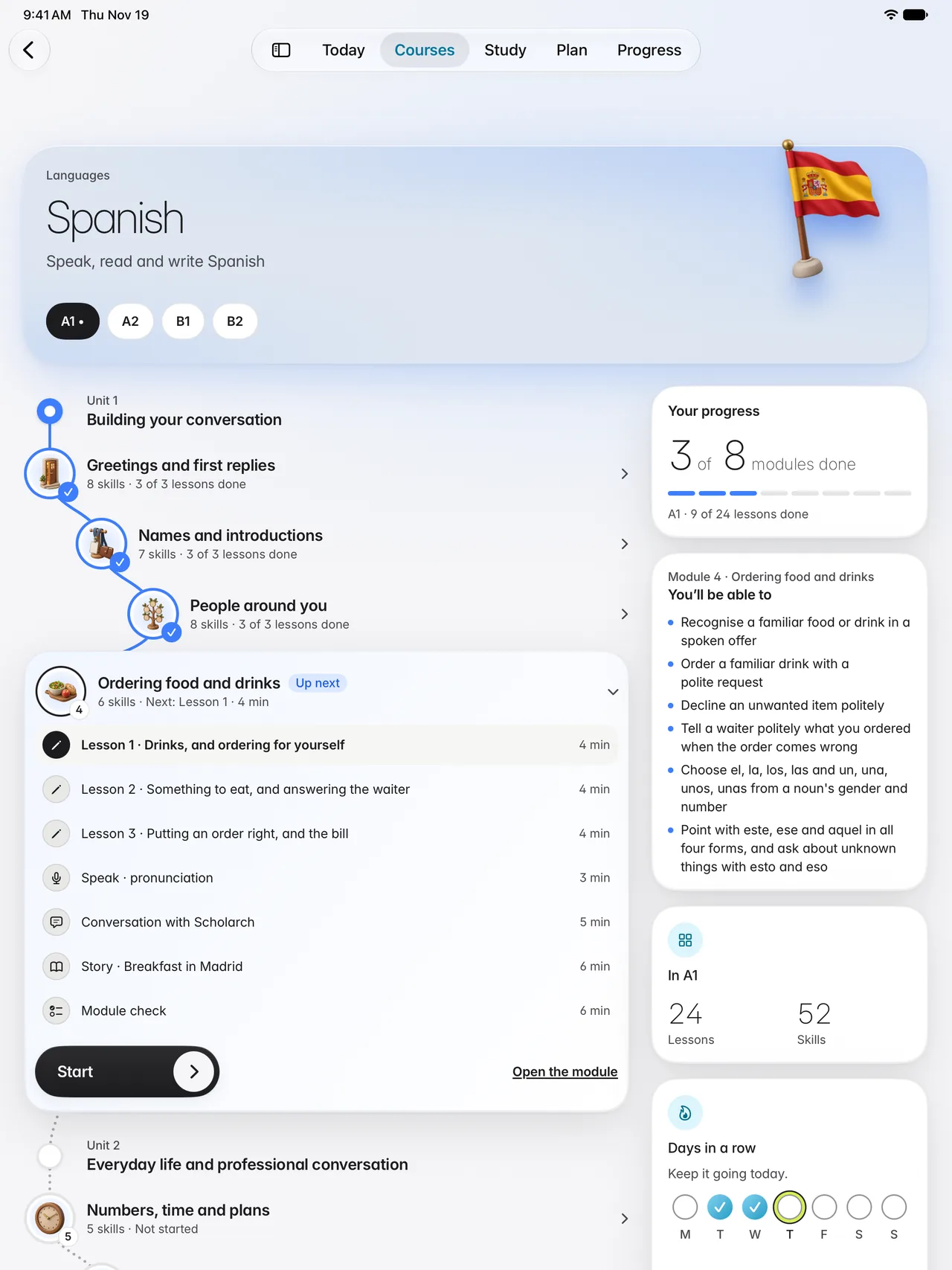
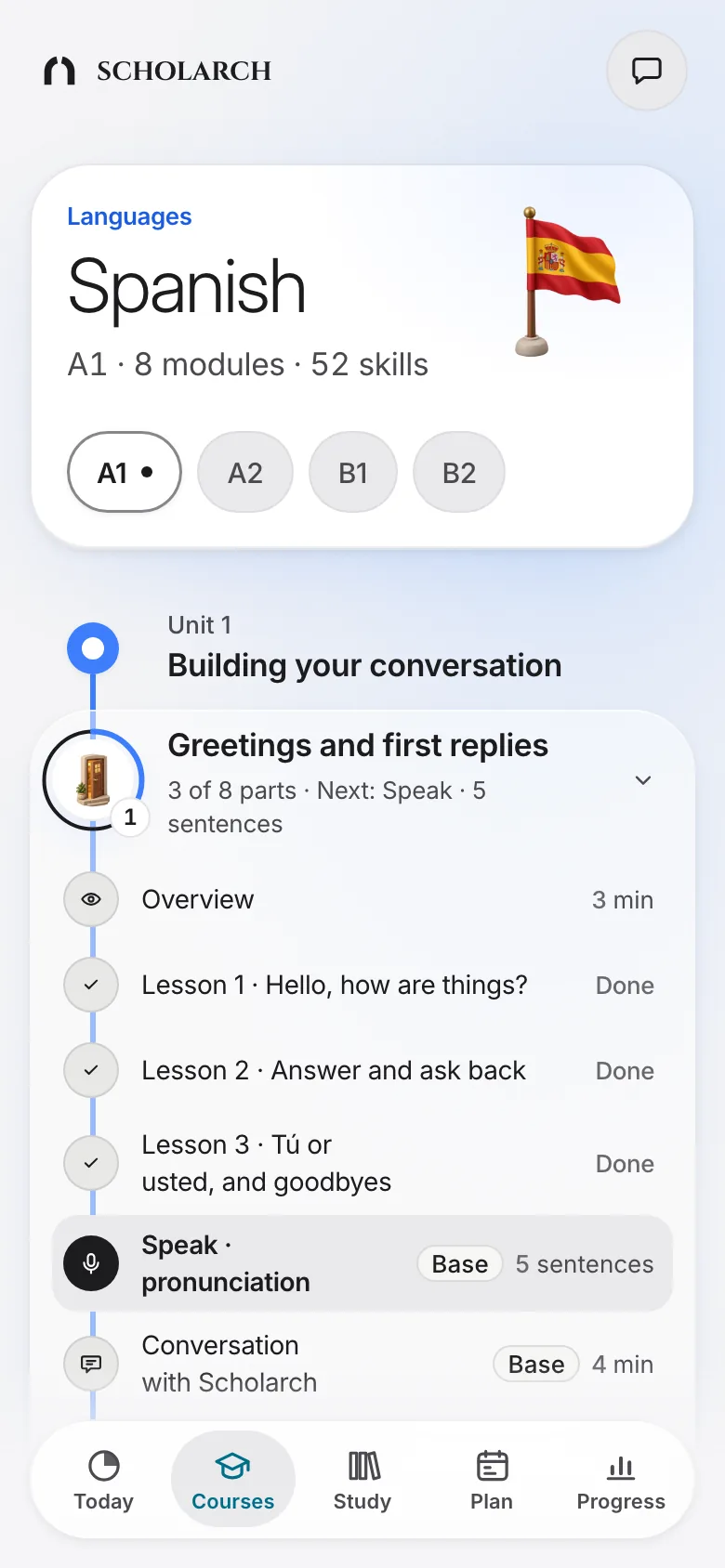
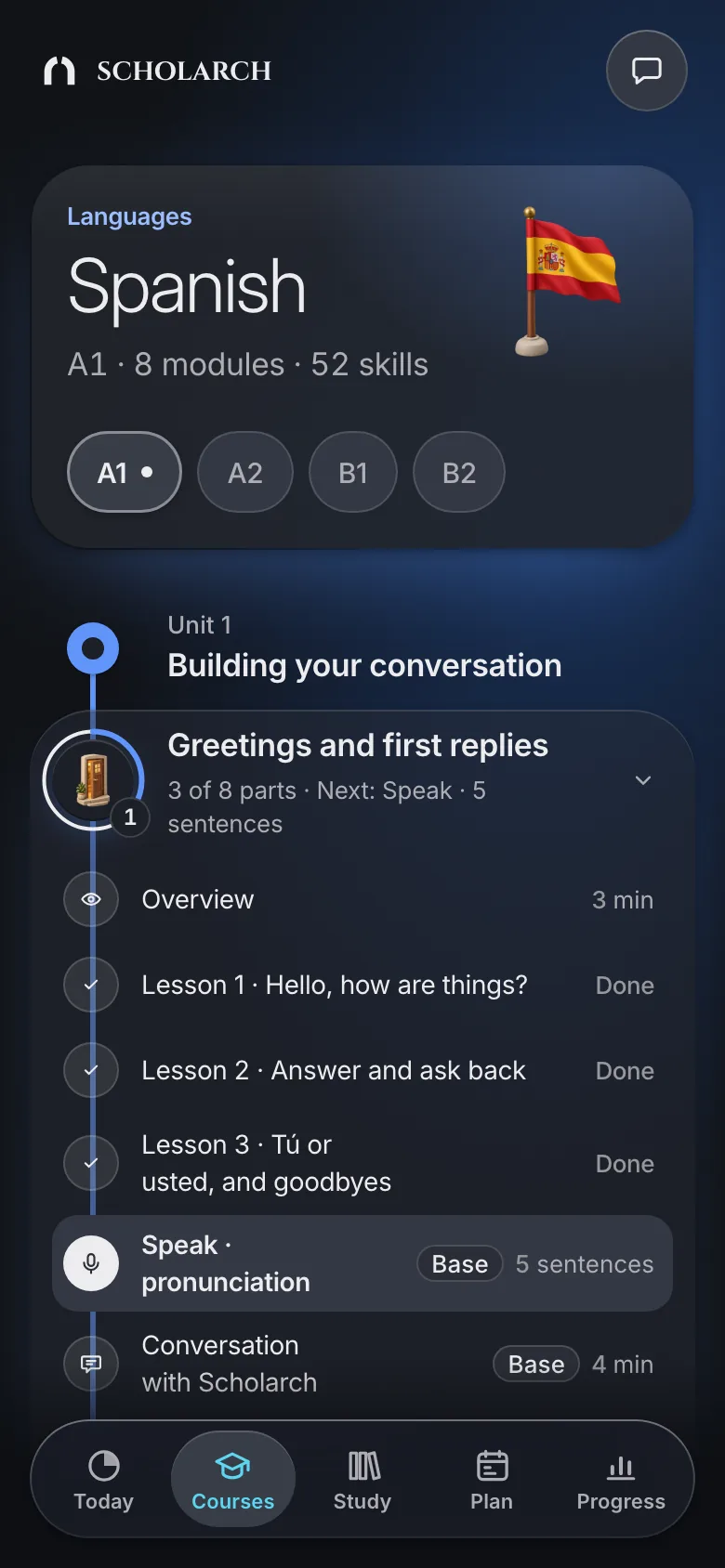
Follow a path. Each subject is a path of levels and modules. Today picks up where you left off.
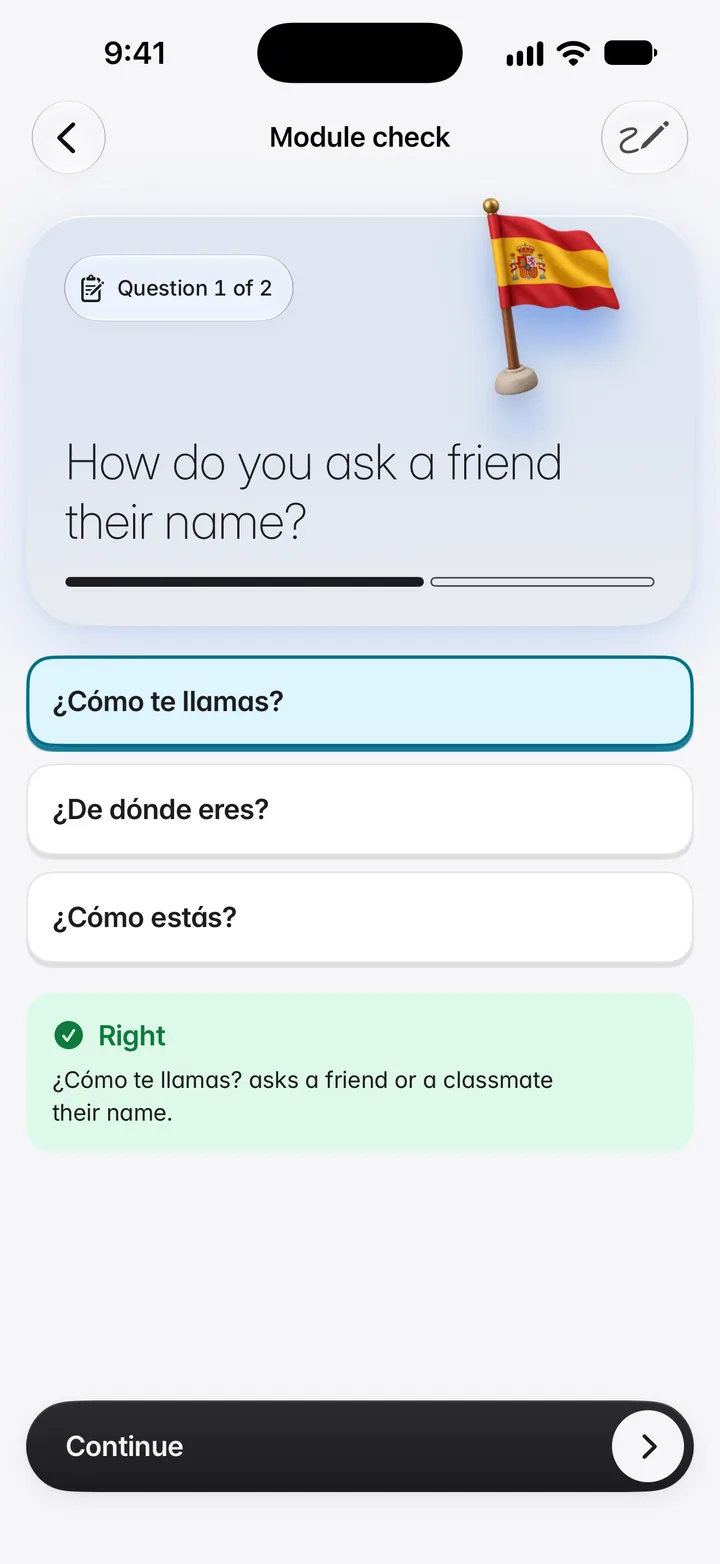
Answer right away. Pick, build, type or say the answer.
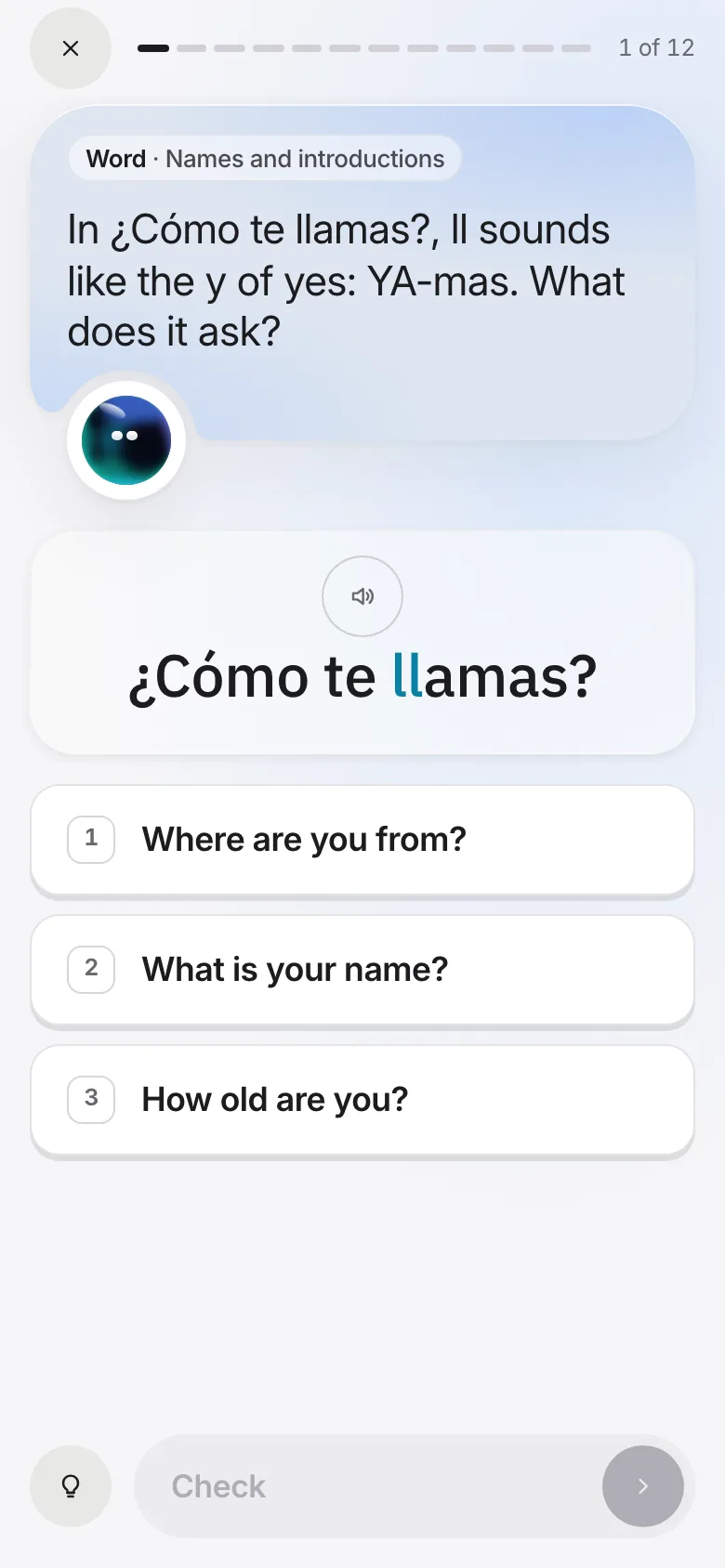
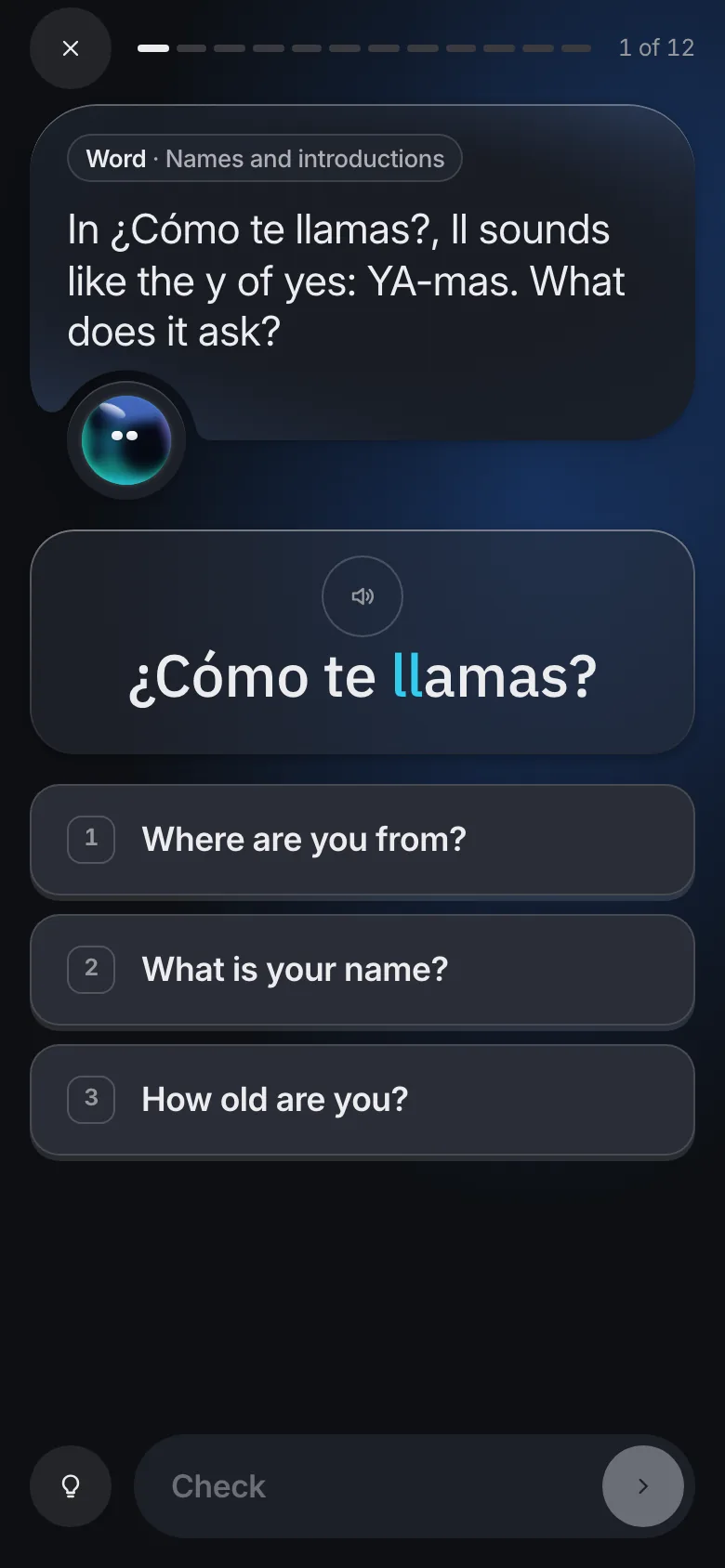
Feedback on every answer. Right or not, you know at once, and why.
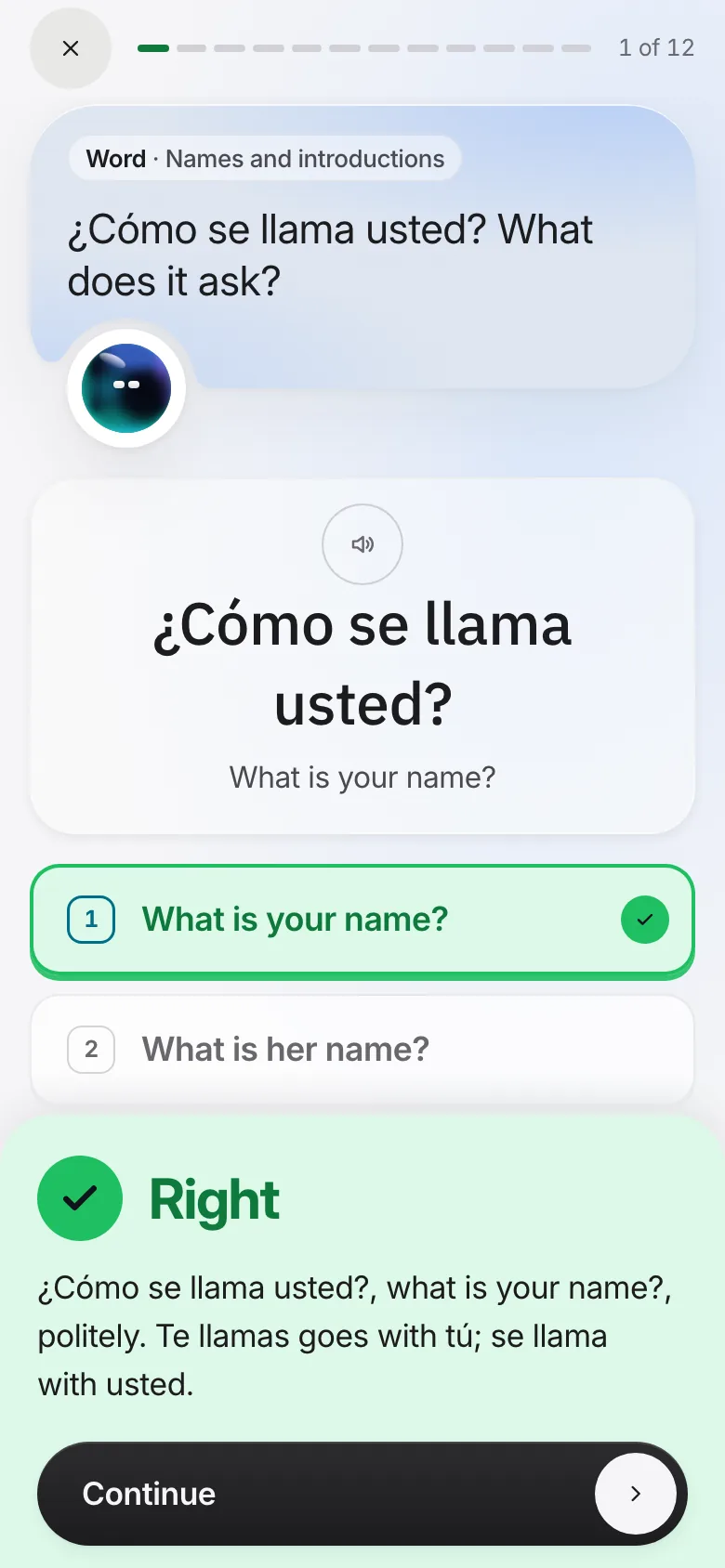
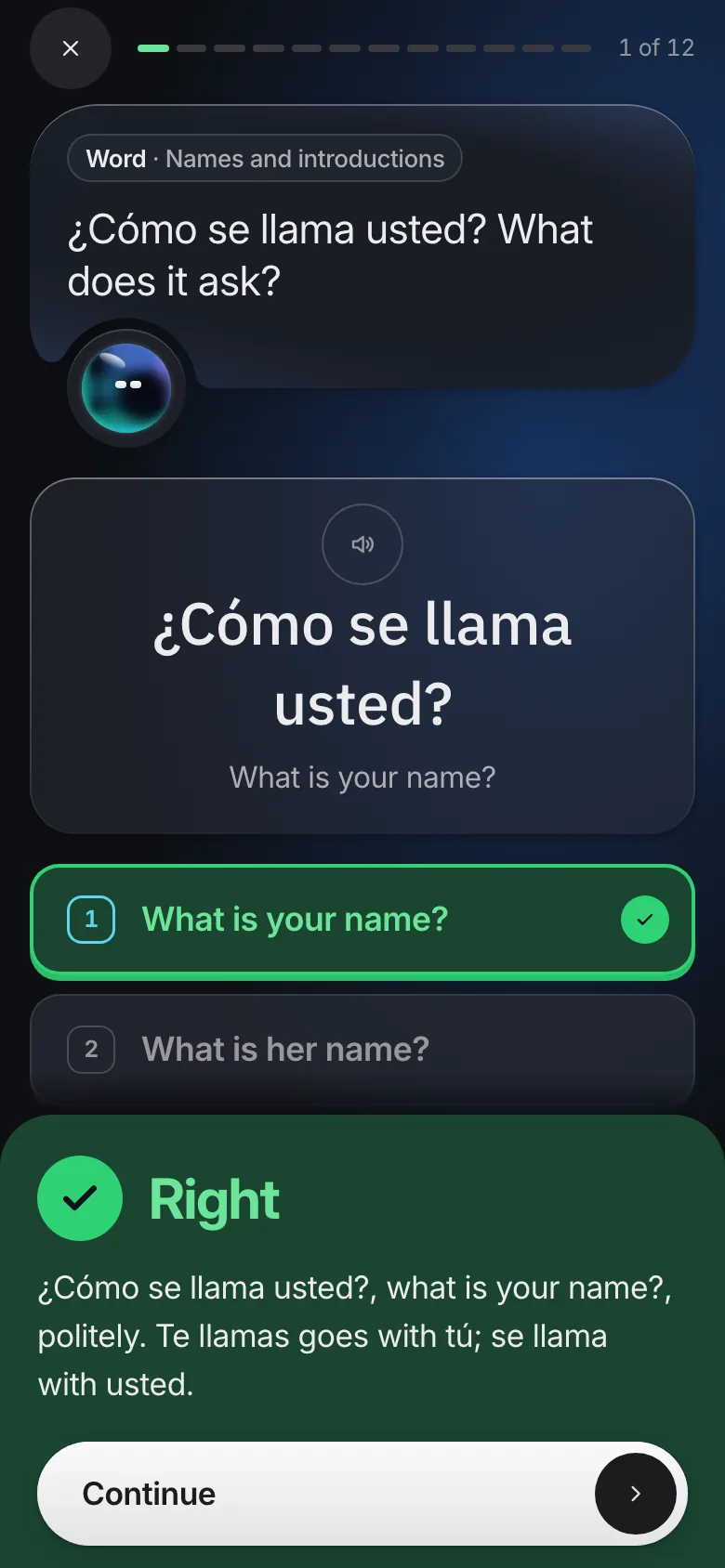
A miss is a second chance. You try again before the answer is shown.
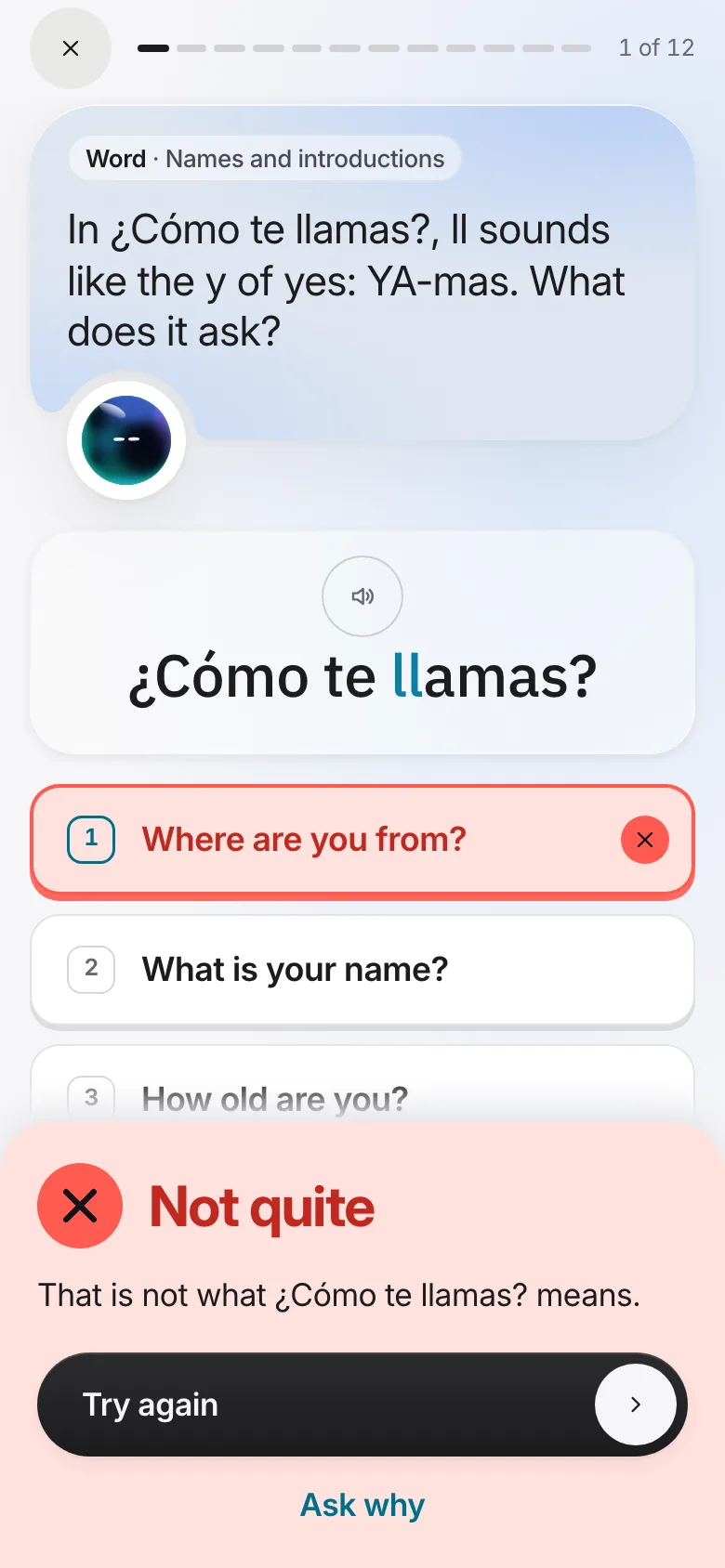
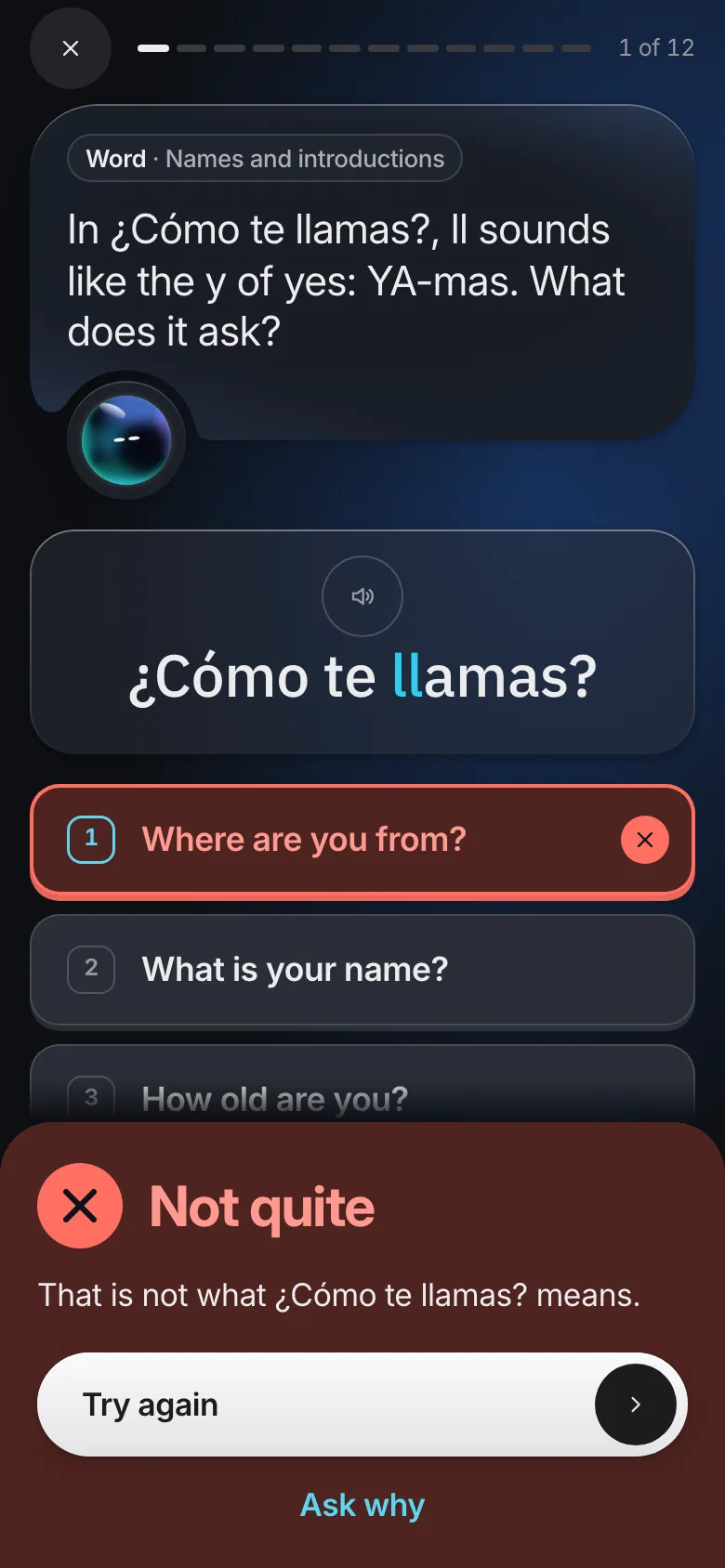
A new idea in a few short steps, each one checked as you go.
Exercises after every lesson. What you miss comes back until you have it.
Say it aloud and your pronunciation is checked as you speak.
Guided conversations at the end of a module practise what you learned.
Subjects
Every course is authored step by step and checked independently.
Used from the first lesson: real words and sentences, the alphabet met inside them, with recorded audio.
Short and visual: diagrams, graphs and shapes you move to see why it works.
How money works, from the foundations, with real figures to work through.
Education, not financial advice.
The tutor
One tutor, called Scholarch, beside your lessons and your study. It is Socratic: it guides you to the answer with questions and hints, as a good teacher would.
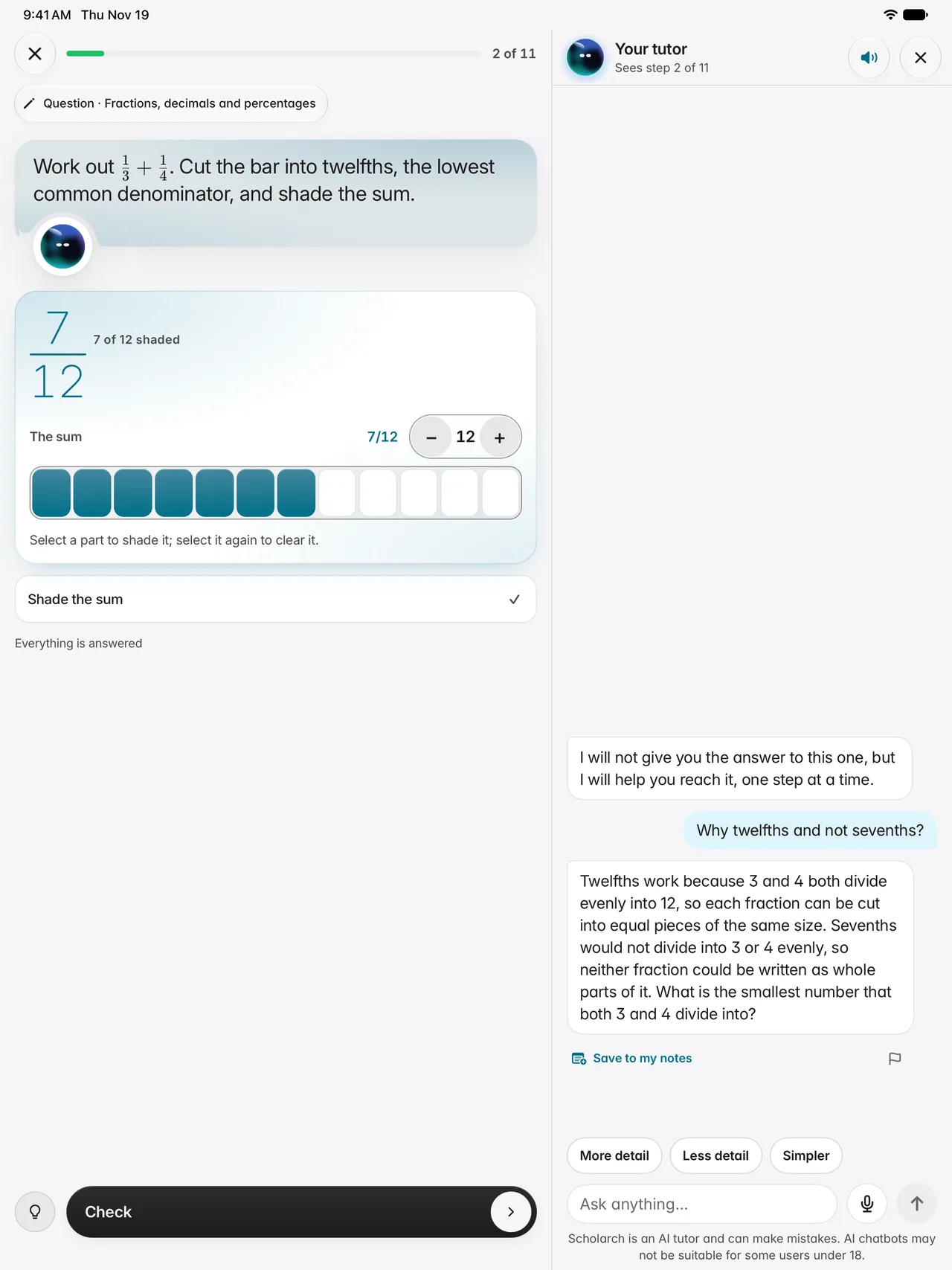
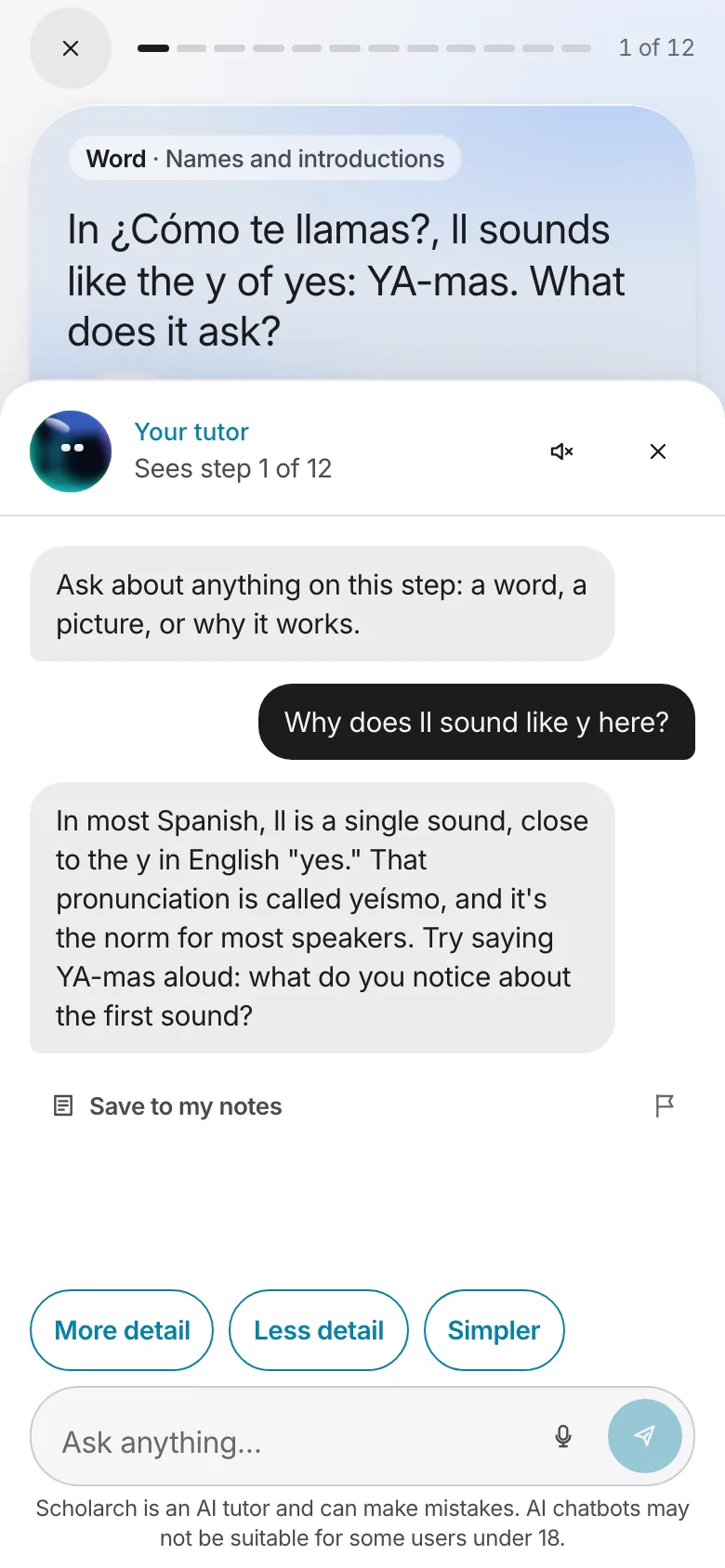
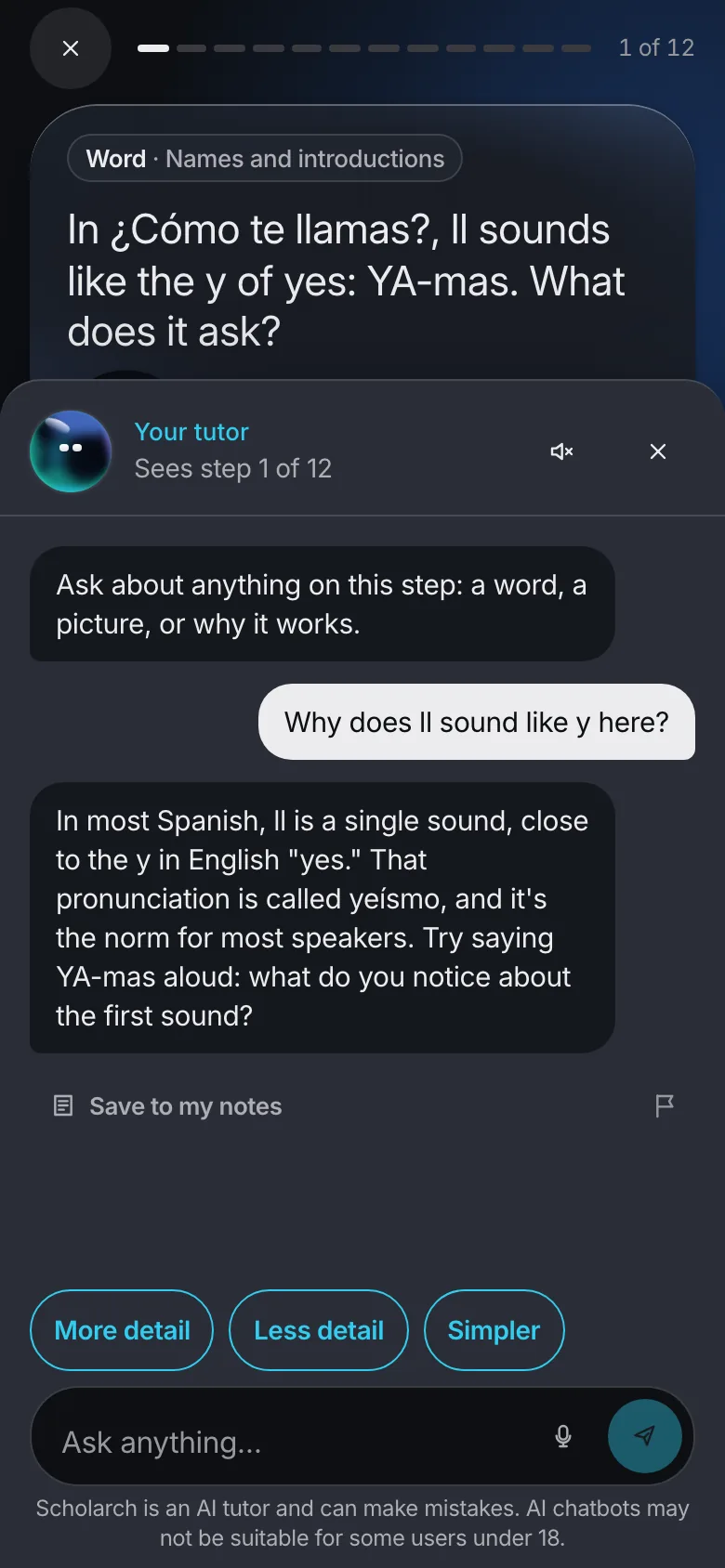
In practice and quizzes it will not give the answer away. In worked examples, and once you have answered, it explains in full.
It knows the lesson, question or card in front of you, so you can ask about this step without explaining where you are.
It writes working, diagrams and maths on a board beside you, step by step, so you can follow every line.
Wherever it appears, type to it. On Max, speak to it too and hear each answer read aloud as it is written, and practise a module’s conversations live, by voice.
Scholarch is an AI tutor and can make mistakes. Every message is checked before the tutor sees it.
Study
Study is where your own material lives, in three sections that are obvious at first sight.
Subjects
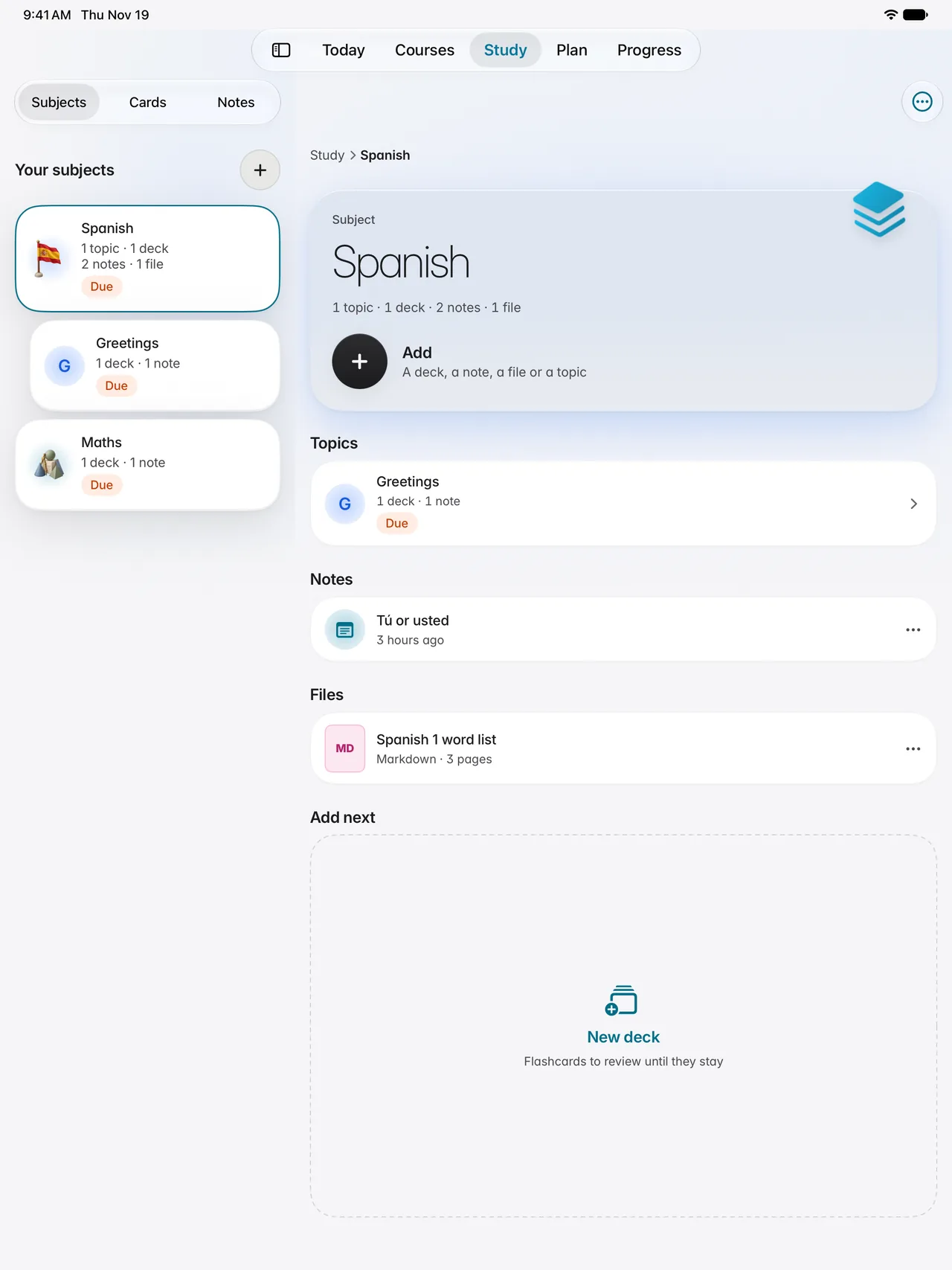
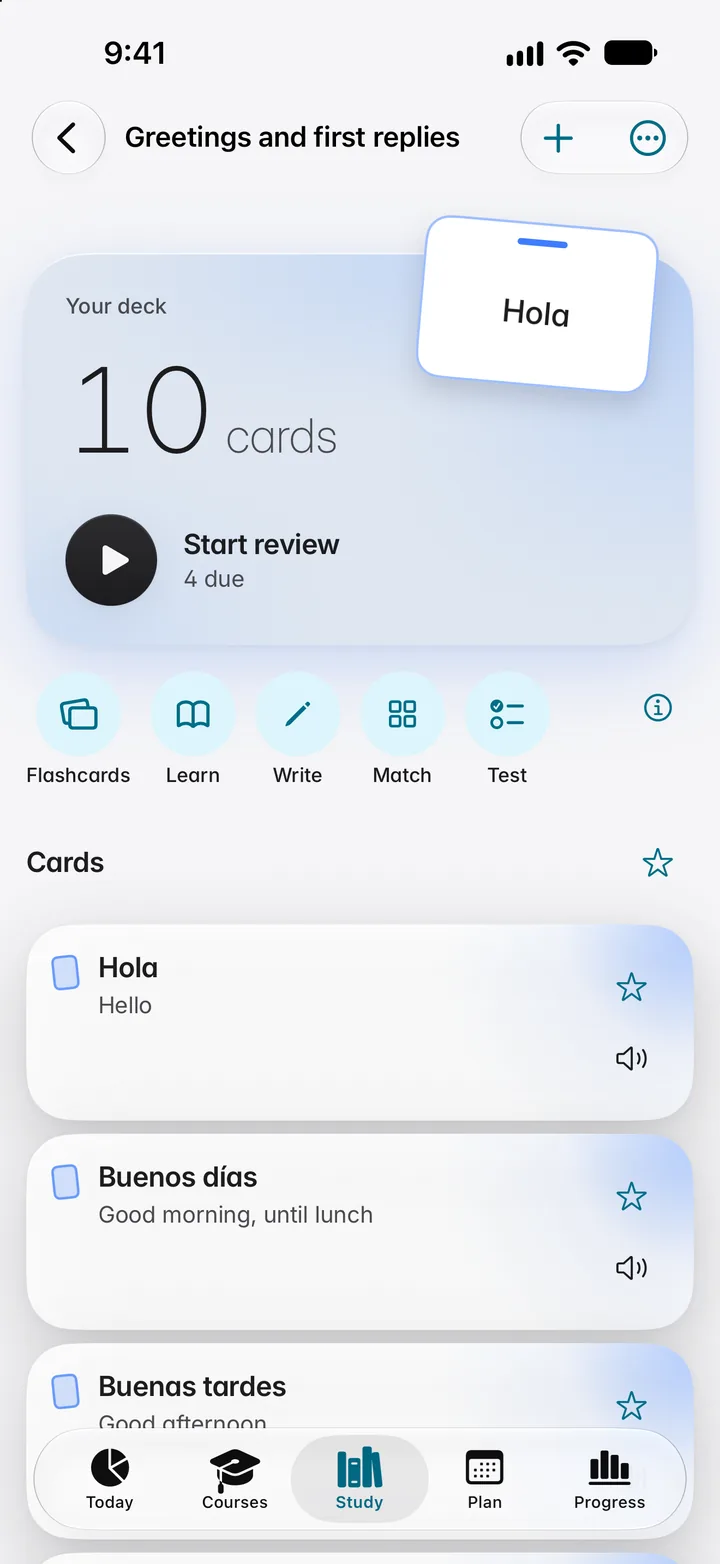
Each subject holds its topics, decks, notes and files together, in a tree you shape yourself. Add a PDF, Word, PowerPoint or Markdown file and study from it.
Cards
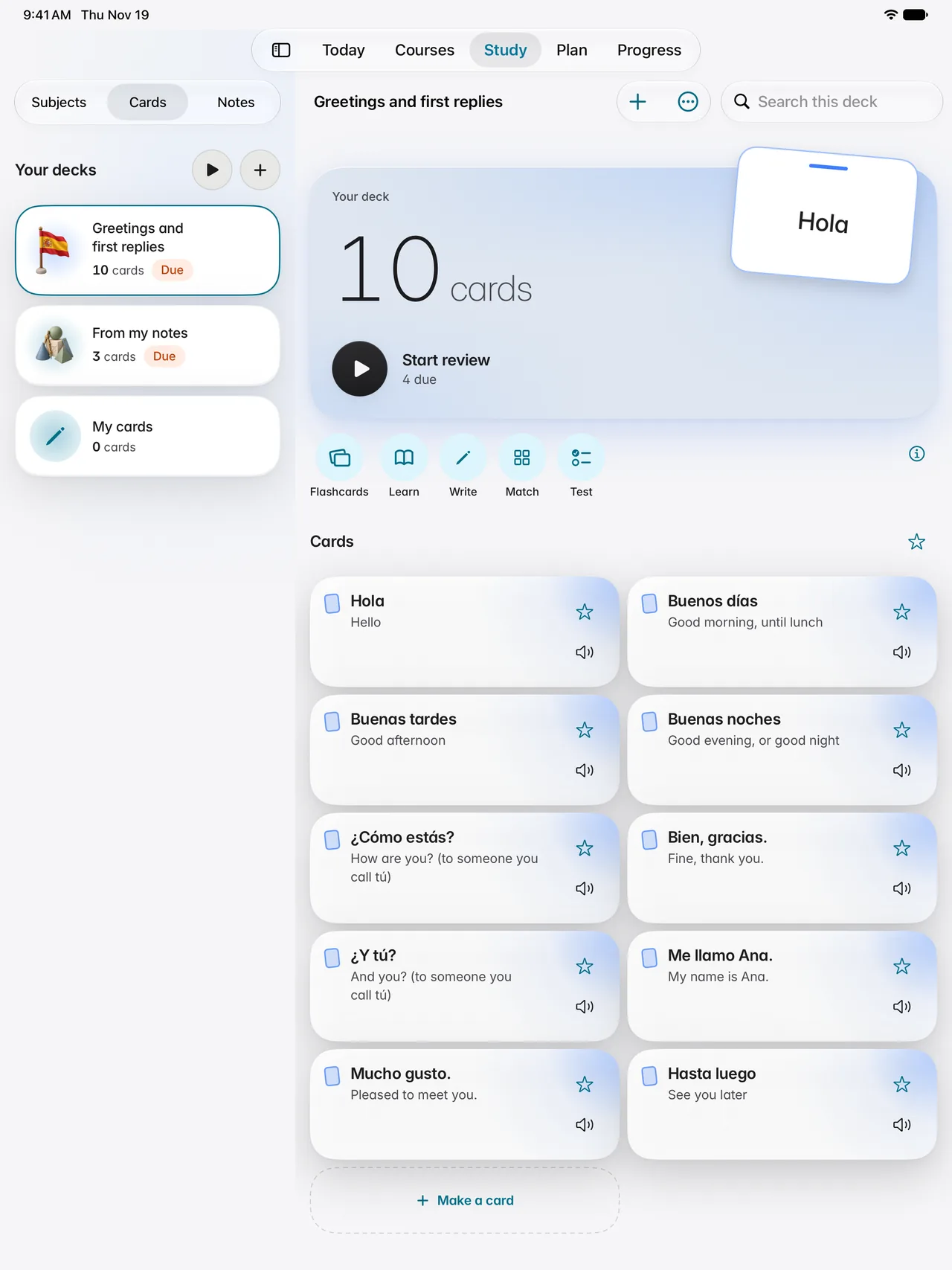
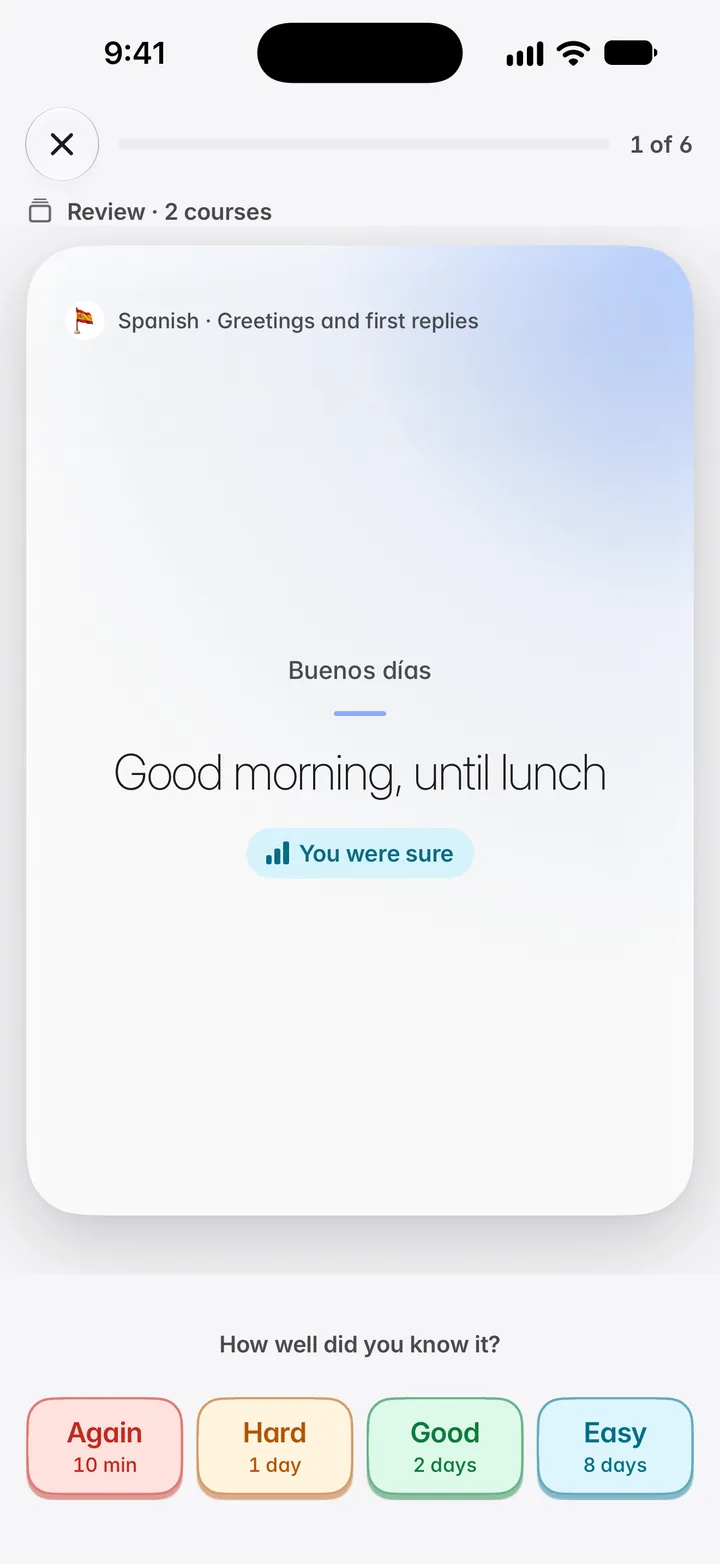
Review what is due, learn new cards, write the answer, match pairs or test yourself. Spaced repetition fitted to your own reviews decides when each card returns.
Notes
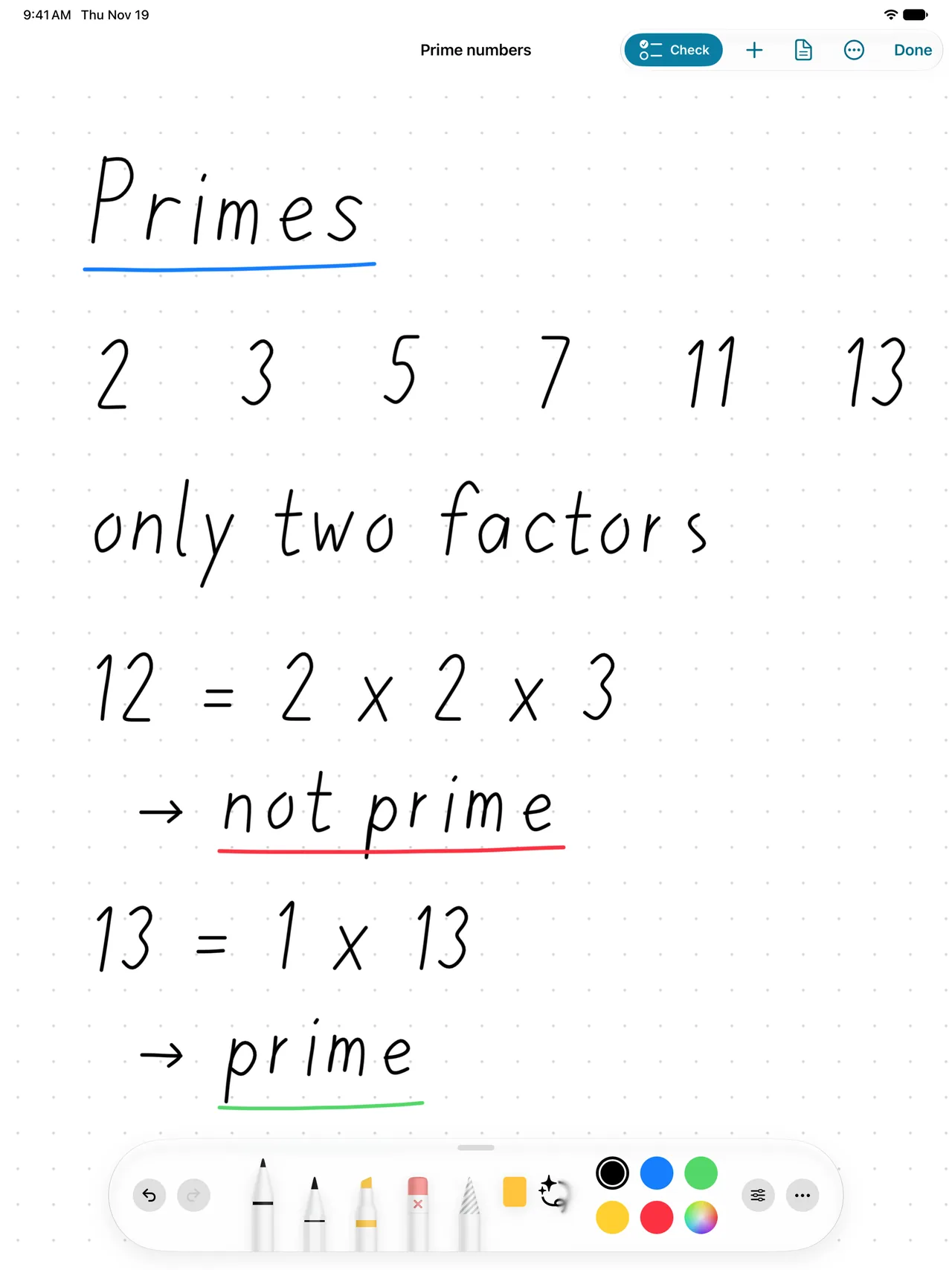
Type, or write with a pencil or your finger. Scholarch reads your handwriting, checks the maths lines you write, and keeps workbooks and boards beside your notes.
Flashcards
Each card comes back just before you would forget it, scheduled from your own reviews. Make your own, let the tutor draft them from your notes, or bring in the decks you already have.
Plan and progress
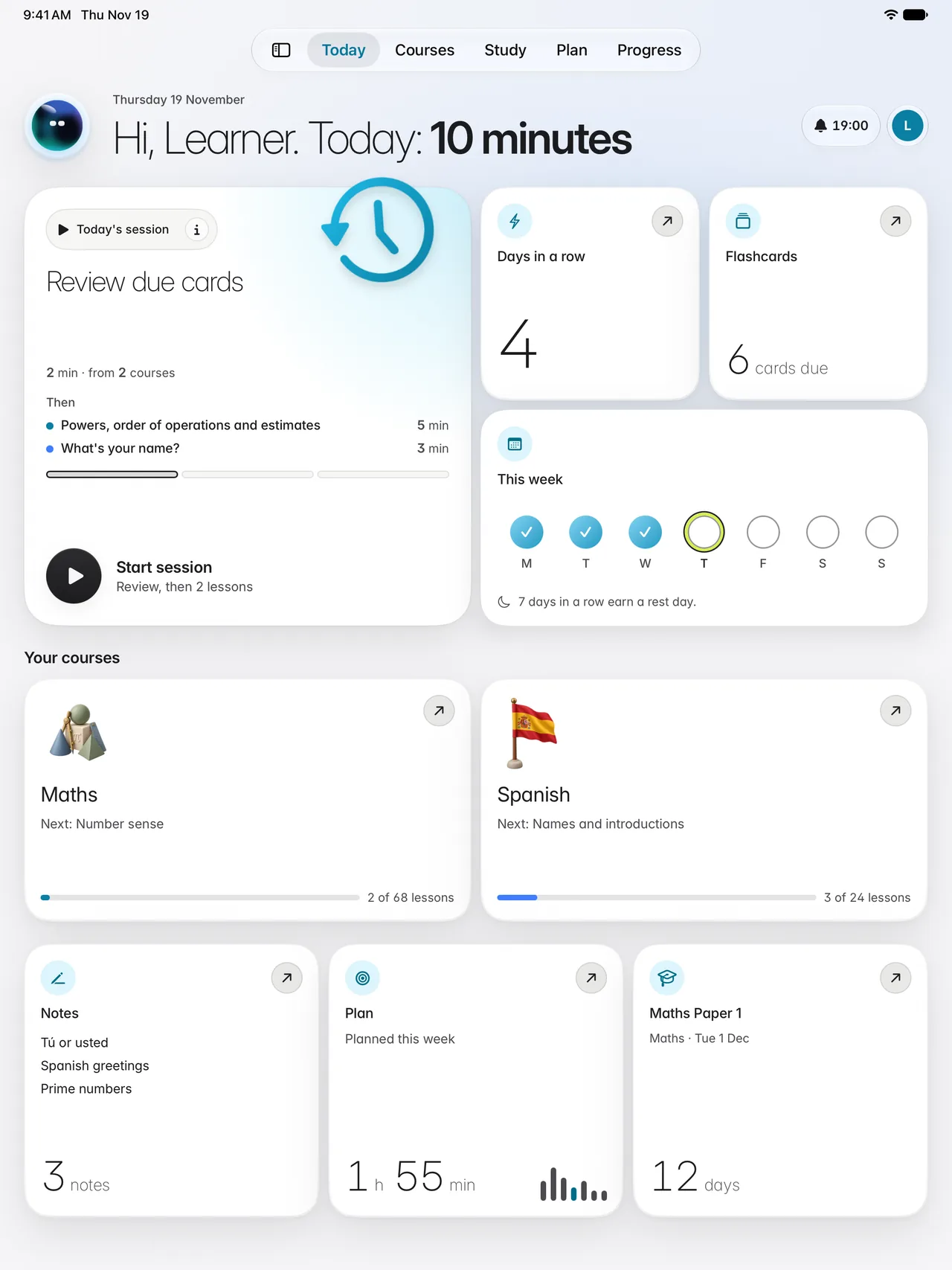
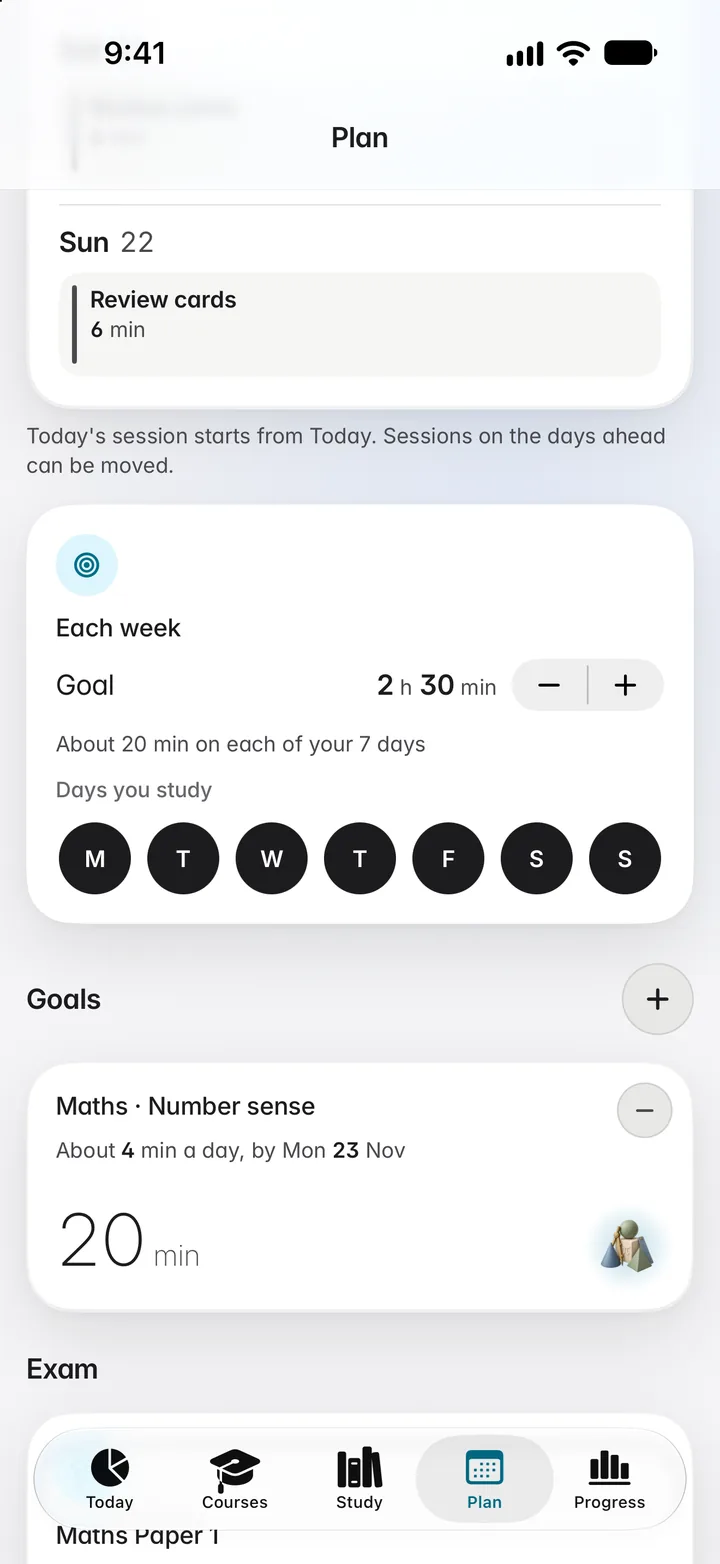
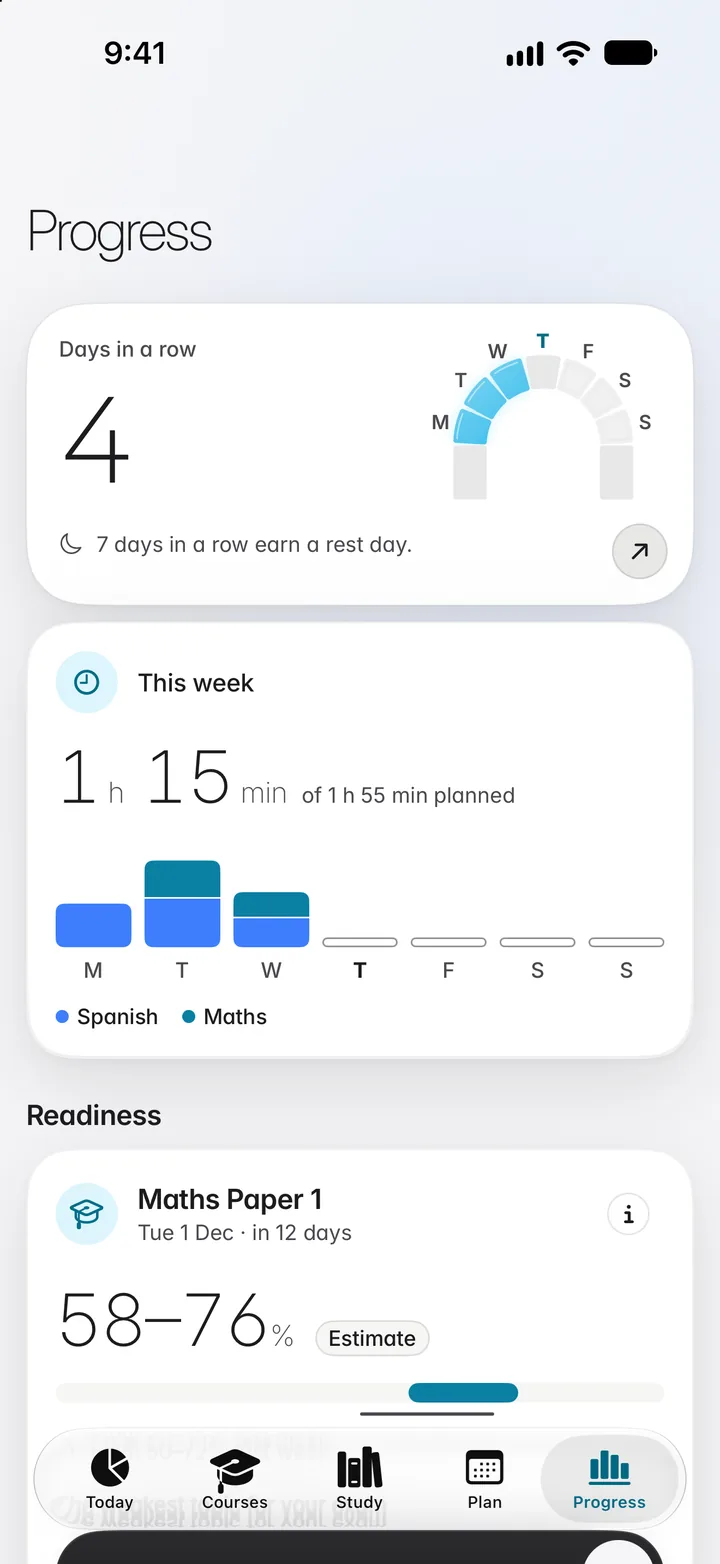
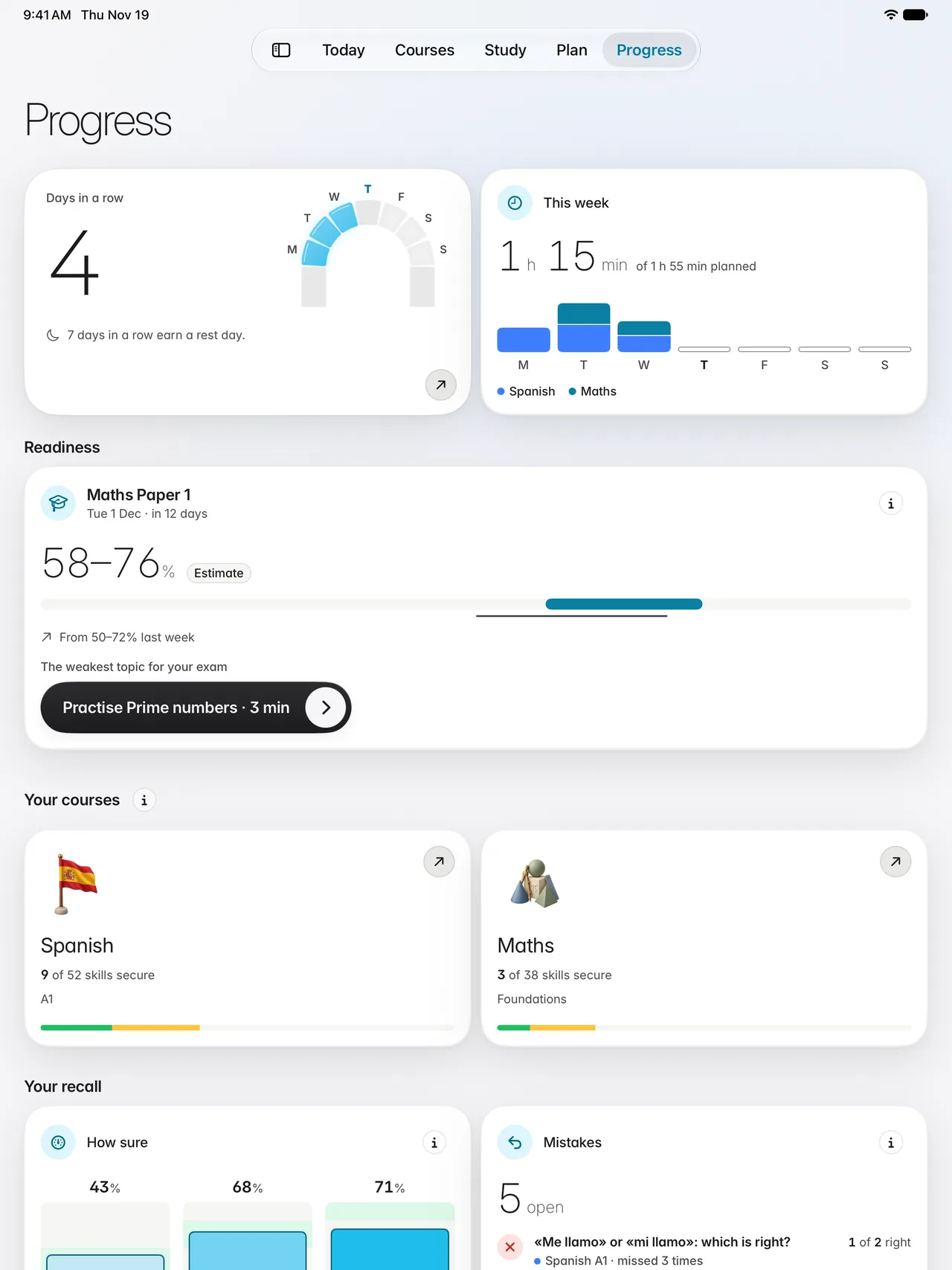
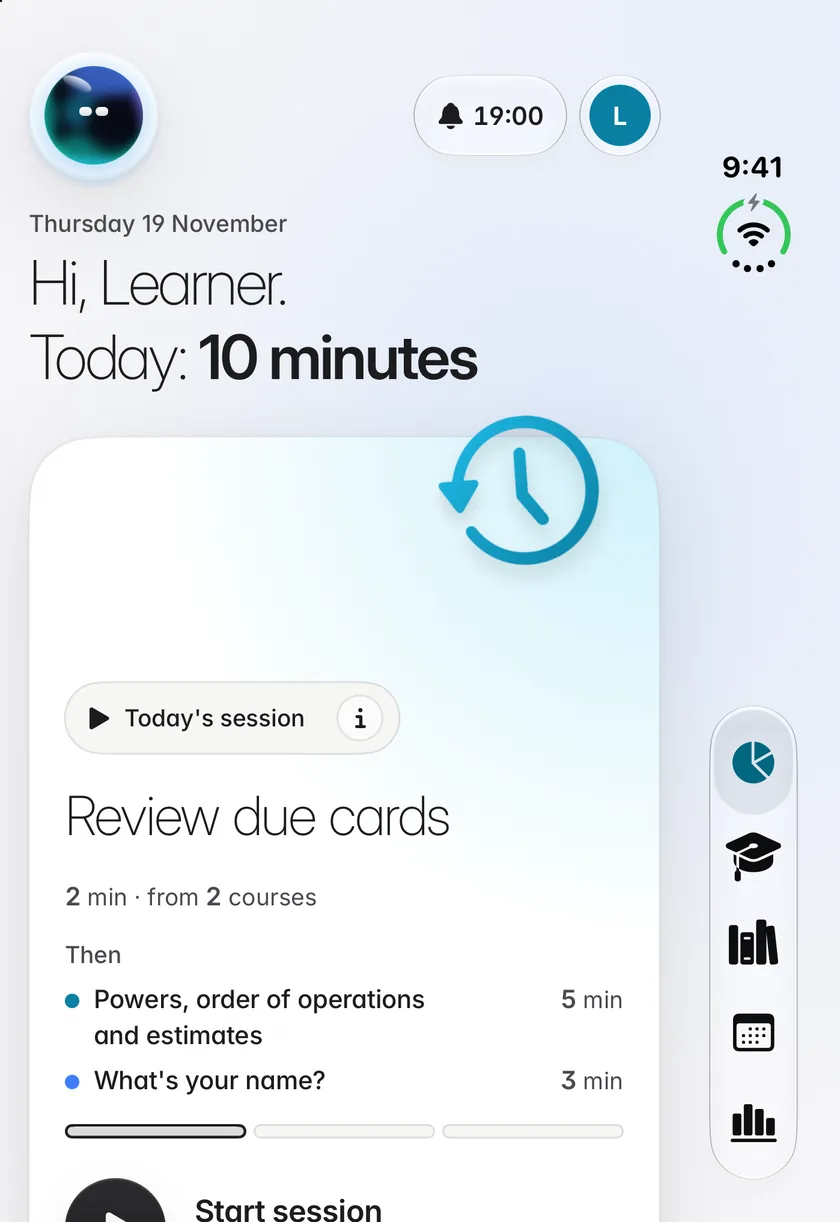
Say how much time you have and when your exam is. Each day’s session is ready for you, and Progress shows your days in a row, your week and how ready you are.
Everywhere you learn
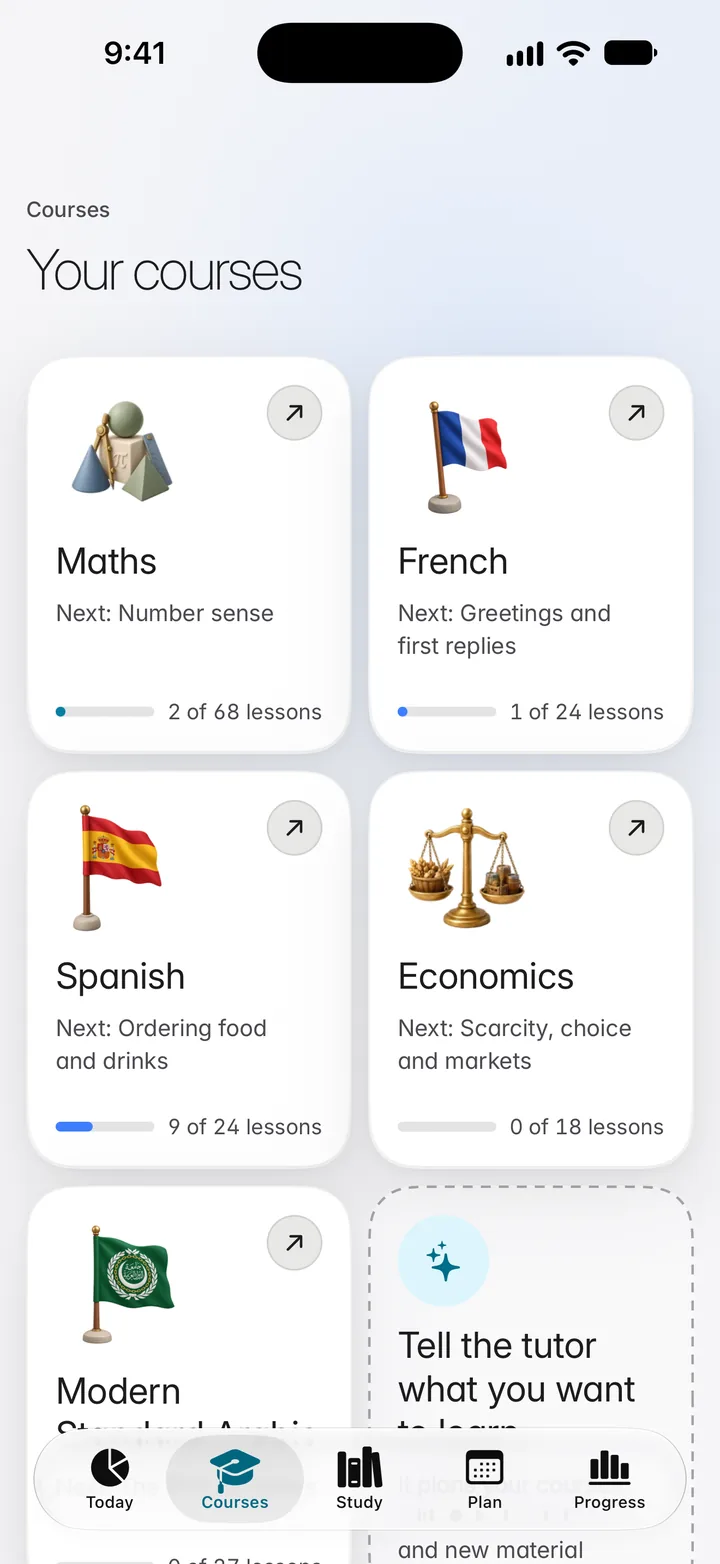
On iPad and iPhone Duo it is the same design at their own measure, complete in every function, never a stretched phone. On the web it is at learn.scholarch.ai. Every update arrives on all of them together.
Plans
Both hold every lesson and study tool. Your first lesson in each subject is free with an account.
Everything to study
US$14.99a month
or US$149.99 a year
The tutor, all the way
US$49.99a month
or US$499.99 a year
Prices in US dollars. One monthly pool of AI credits; each figure is what the pool makes if you use only that feature. Lessons and card reviews never count. Top up with 200 credits for US$4.99 or 400 for US$9.99. Cancel at any time in Settings.
There is no free plan and no free trial of a subscription. One sample lesson in each subject is free with an account. Learners aged 13 to 17 can choose either plan, with a lower monthly limit on top-ups. Billing and refund terms
Privacy and safety
No advertising, no analytics trackers, no data brokers. We do not sell your personal data.
Privacy policyLearners aged 13 to 17 have protections no one can loosen before they turn 18, and we keep less about them.
For teensMessages to the tutor, and the words on cards, are checked automatically before they are used or saved.
AI safetyLearners aged 13 and over who live in the United Arab Emirates and the United States. The app is in English.
Yes. Your first lesson in each subject is free with an account. Confirm your email to start your free lesson.
Not in practice or a quiz: there it asks questions and gives hints so that you reach the answer yourself. In worked examples, and after you have answered, it explains in full. Scholarch is an AI tutor and can make mistakes.
Each plan has one monthly pool of AI credits for the tutor, AI flashcards, pages of your own files, handwriting checks and pronunciation checks. Lessons, practice, card reviews, notes and your plan never use credits. You can top up with 200 credits for US$4.99 or 400 for US$9.99.
The web at learn.scholarch.ai, iPhone and iPad, including iPhone Duo. One account works on all of them and your work follows you.
Yes, at any time in Settings. Your plan then runs to the end of the period you have paid for.